How to Check a Used iPhone Before Buying in Dubai - Full Checklist
Used iPhone demand in Dubai is high for one reason: value. But value only works when the device is verified properly before you pay. Cosmetic checks are not enough. A phone can look excellent and still have battery weakness, hidden service history, disabled biometric features, or activation lock risk. This guide gives you a full used iphone check dubai checklist you can use in-store or while comparing options online.
If you are shopping now, compare tested inventory on Used Devices, see local route guidance on Used iPhone Al Barsha, and keep device-care support in mind from iPhone Device Care.
1) IMEI and device identity check
Start with the phone identity, not the camera test. Dial *#06# and confirm IMEI matches Settings, SIM tray details (where applicable), and packaging if available. Check model number and region variant as well. This prevents mismatch issues and helps identify non-standard imports.
IMEI validation also helps you confirm device legitimacy and track potential blacklist concerns. If any identifier mismatch appears, stop and investigate before moving forward.
2) Battery health and charging behavior
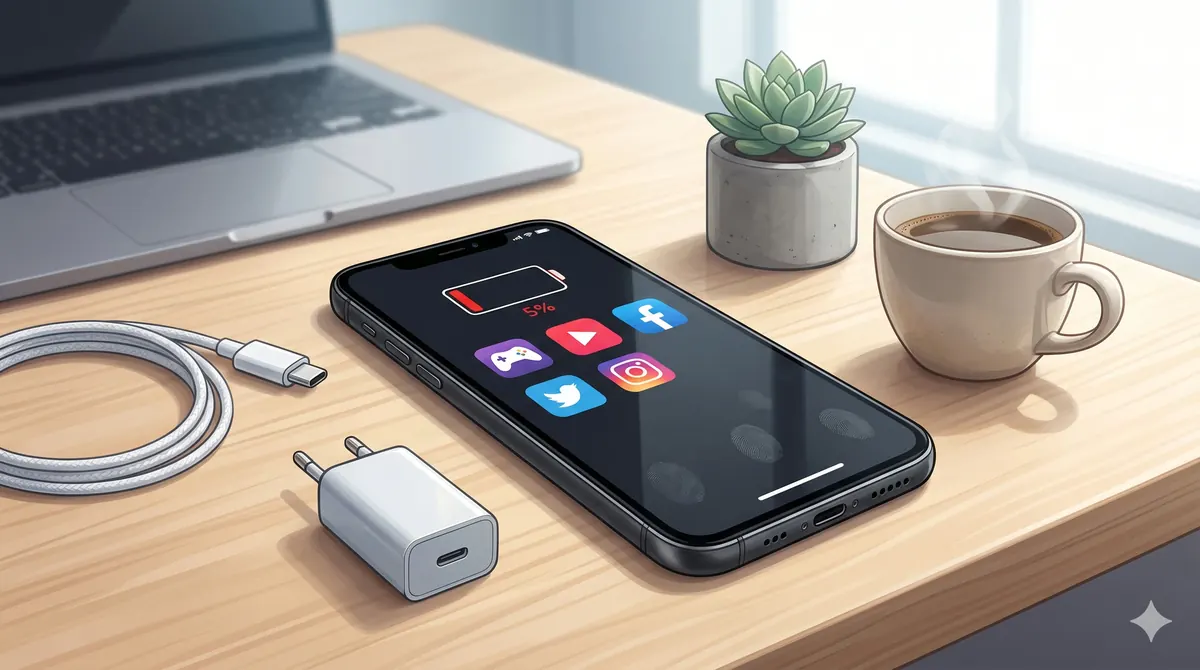
Open Battery Health and check maximum capacity. For daily users, capacity in strong condition is generally preferable, but do not rely on that number alone. Plug the device in, confirm stable charging, and watch battery percentage progression. Rapid drops or unstable charging behavior can indicate deeper battery or port issues.
Also check if battery replacement notices appear in settings. Non-genuine battery warnings are not always deal-breakers, but they must be disclosed and priced accordingly.
3) Face ID or Touch ID test
Biometric systems are crucial in real use and expensive to fix when faulty. Set up Face ID or Touch ID during inspection and test unlock multiple times. If it fails, ask directly whether the issue is sensor-related, board-related, or software state. Never accept vague "it should work after update" claims without proof.
4) Display and touch-screen integrity
Inspect screen on white, black, and gray backgrounds. Look for dead pixels, discoloration, burn-in marks (on OLED), unusual brightness patches, and touch dead zones. Type across the whole keyboard area and drag icons around the screen to detect touch gaps.
Then check True Tone and brightness behavior. If True Tone is missing unexpectedly after screen replacement, it may indicate non-calibrated or non-matching screen service history.
5) Water damage indicators and body condition
Check physical frame integrity and SIM slot area for signs of liquid exposure or corrosion hints. Water-damage indicators should be inspected where possible. Also verify that screws, seals, and frame alignment do not suggest poor-quality opening/reassembly.
Minor cosmetic wear is normal in used phones. Structural signs of opening with rough tools or corrosion traces are not normal and should influence your decision heavily.
6) Activation lock and account state
This is non-negotiable. The phone must be signed out of iCloud and free from activation lock before payment. If the seller cannot show a clean setup process, do not buy. Activation lock issues turn "great deals" into dead purchases.
7) Original vs aftermarket parts checks
Go to settings where available and check parts/service history. Screen, battery, and camera replacement disclosures matter. Aftermarket parts are not automatically bad, but pricing must reflect the change, and key functions (brightness, sensors, cameras, biometrics) must be tested thoroughly.
8) Network, audio, and camera test bundle
Insert SIM or test eSIM flow where possible. Verify signal behavior, Wi-Fi stability, Bluetooth pairing, speaker output, microphone clarity, and all cameras including focus speed and portrait mode behavior. A quick call test is useful for confirming earpiece and mic function in real conditions.
P Z M Computers & Mobile Phones - Sell New Used PC Build 6-point inspection reference
At P Z M Computers & Mobile Phones - Sell New Used PC Build, used devices follow a structured process that includes battery, screen, camera/sensors, charging/connectivity, condition grading, and reset/unlock checks before sale. This process reduces guesswork and gives buyers clearer confidence than unstructured private-market transactions.
Final used iPhone checklist before paying
- IMEI and model identity matched.
- Battery health and charging behavior verified.
- Face ID or Touch ID tested successfully.
- Display, touch, brightness, and color checked.
- Water-damage risk and body condition reviewed.
- Activation lock fully cleared.
- Parts history disclosed and priced fairly.
Need help checking a model before visiting? Send the iPhone model and budget on WhatsApp and ask for a checklist-confirmed option: Request checked used iPhone options on WhatsApp.