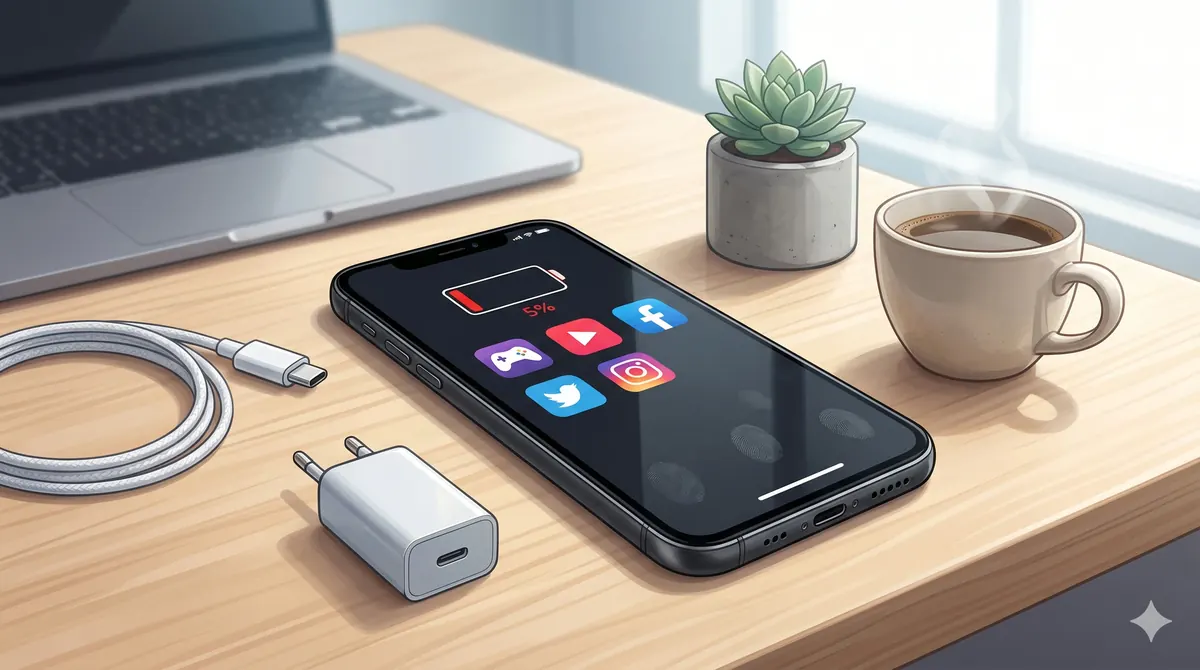
Why Your Phone Battery Dies So Fast — And How to Fix It (2026)
Battery anxiety is real. If your phone barely makes it through the day, you are not alone — and the problem is almost always fixable. Here is what actually drains your battery in 2026, what myths to ignore, and when it is time for a replacement.
1. The real battery killers
Forget the old advice about closing background apps — modern iOS and Android handle that efficiently. The actual battery drain culprits in 2026 are:
- Screen brightness and always-on display: Your screen uses 30–50% of total battery. Auto-brightness is your best friend. Always-on display costs 10–15% per day on most phones.
- 5G connectivity: 5G radios consume significantly more power than 4G. If you are not streaming or downloading, switching to LTE can save 15–20% battery over a full day.
- Social media apps: Instagram, TikTok, and Snapchat are among the heaviest battery consumers due to constant video preloading and location tracking.
- Poor cellular signal: When your phone struggles to maintain a connection (common in basements, parking garages, and some parts of new Dubai buildings), it boosts its radio power significantly, draining the battery fast.
2. Charging habits that actually matter
Lithium-ion batteries degrade based on charge cycles and heat, not based on whether you charge overnight. The most important rules:
- Keep your battery between 20–80% for daily use — avoid regular full 0–100% cycles.
- Heat is the enemy: do not charge in direct sunlight, under a pillow, or while running heavy apps.
- Fast charging is fine for daily use, but generates more heat than slow charging. Use a slow charger overnight if possible.
- Use only quality certified chargers — counterfeit chargers can damage your battery permanently and are a fire hazard.
3. When your battery needs replacement
All smartphone batteries degrade over time. After 500 charge cycles (roughly 18–24 months of normal use), most batteries retain 80–85% of original capacity. If your phone:
- Dies before reaching 0%
- Shuts down in cold or hot weather
- Shows battery health below 80% (check Settings → Battery on iPhone)
- Charges noticeably faster than when new (smaller capacity fills faster)
It may be time for a battery replacement. This is a common technical service that can often be completed the same day when the required component is available. If you want the direct local route first, use our iPhone Device Care page for Al Barsha. A battery replacement can cost a fraction of a new phone and extend the useful life of the device.
4. Service, upgrade, or replace?
If your phone is 1–2 years old, a battery replacement is a no-brainer. If it is 3+ years old and slow beyond just the battery, consider trading it in toward a new iPhone or a quality used phone that will last another 2–3 years. Either way, do not suffer through daily battery anxiety — the restore is easier and cheaper than most people think.
WhatsApp us your phone model and battery symptoms before visiting, especially if you are planning the trip from Al Barsha.
Related: if your iPhone already shows 80%, read replace, sell, or keep — Dubai 2026 decision guide for the AED math behind each path.