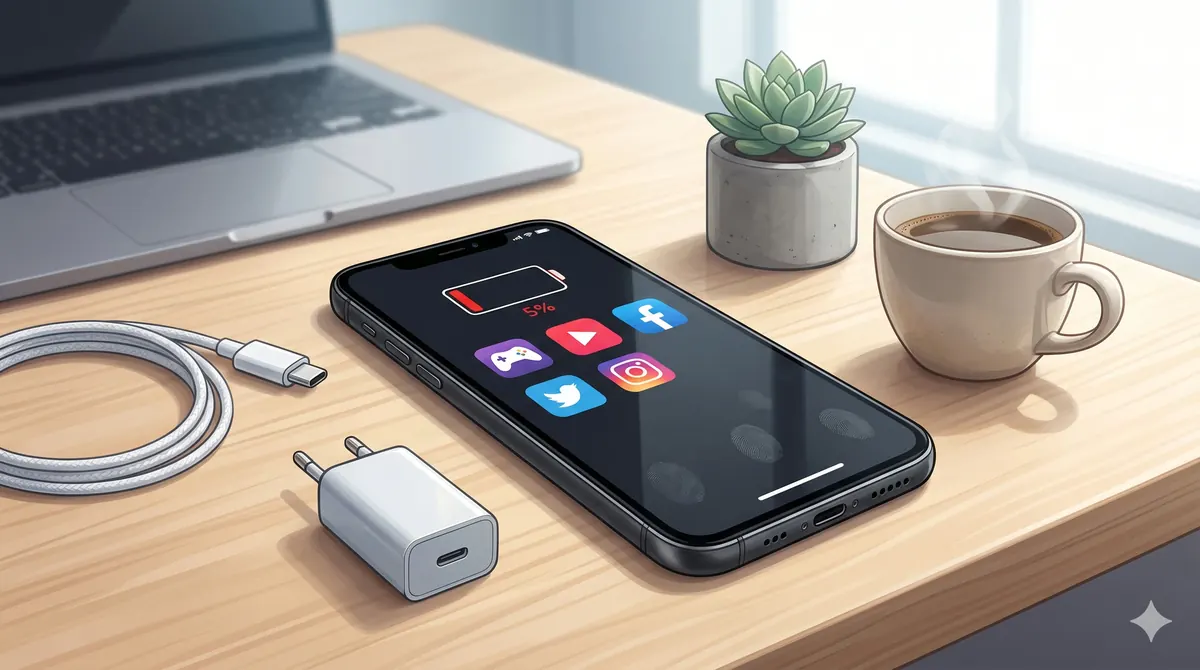
World Cup 2026 Phone Checklist for Finals Week
The final is today: Argentina face Spain tonight, Sunday, July 19, at 11:00 PM UAE time. Check the confirmed final fixture and results before setting reminders and charging your phone.
World Cup nights are hard on phones. People stream highlights, record reactions, join group chats, order food, book rides, and use navigation all in the same evening. If your phone is already slow, low on storage, or losing battery by dinner, address it before the next big match.
1) Battery health comes first
If your iPhone battery health is near or below 80%, World Cup month will make the problem obvious. Long screen-on time, 5G, camera use, WhatsApp groups, and delivery apps drain weak batteries quickly. A same-day battery replacement is usually cheaper than rushing into a new phone.
2) Free storage before you record
Clear at least 10-20 GB before match night if you plan to record video. Delete old downloads, move photos to cloud storage, remove unused apps, and clear WhatsApp media from large groups. A full phone can miss the clip you actually wanted to keep.
3) Check your charger and cable
A tired cable can charge slowly or disconnect when someone moves the table. Use a quality USB-C or Lightning cable and a fast charger from a trusted brand. If guests are coming over, keep one spare charger in the watching area so nobody unplugs the TV or router.
4) Power bank checklist
- 10,000 mAh is enough for most match nights
- 20,000 mAh is better for travel, fan zones, and long evenings out
- USB-C PD charging is best for newer phones and tablets
- Charge the power bank the night before, not five minutes before leaving
5) Camera and screen protection
Big nights mean busy tables, crowded restaurants, and more drops. A fresh tempered glass protector and case are small money compared with a cracked OLED screen. If your camera lens protector is scratched, replace it before blaming the phone for blurry clips.
6) Service or upgrade?
Choose device care if the phone is otherwise fast and the only problem is the battery, charging port, or screen. Upgrade if your phone is too old for current apps, has weak storage, or needs several services at once. If you are unsure, ask for a service estimate and trade-in value side by side.
Need the phone ready before the next match? Send your model and issue on WhatsApp. Start with iPhone Device Care, compare phone accessories, or check tested used phones if replacement makes more sense.