Essential PC Maintenance Tips to Avoid Costly Problems (2026)
Dubai's heat and dust are tough on computers. Whether you have a custom gaming PC or a work desktop, regular maintenance prevents performance drops, sudden failures, and expensive component problems. Here are the most important things you should be doing in 2026.
1. Dust cleaning — the single most impactful thing you can do
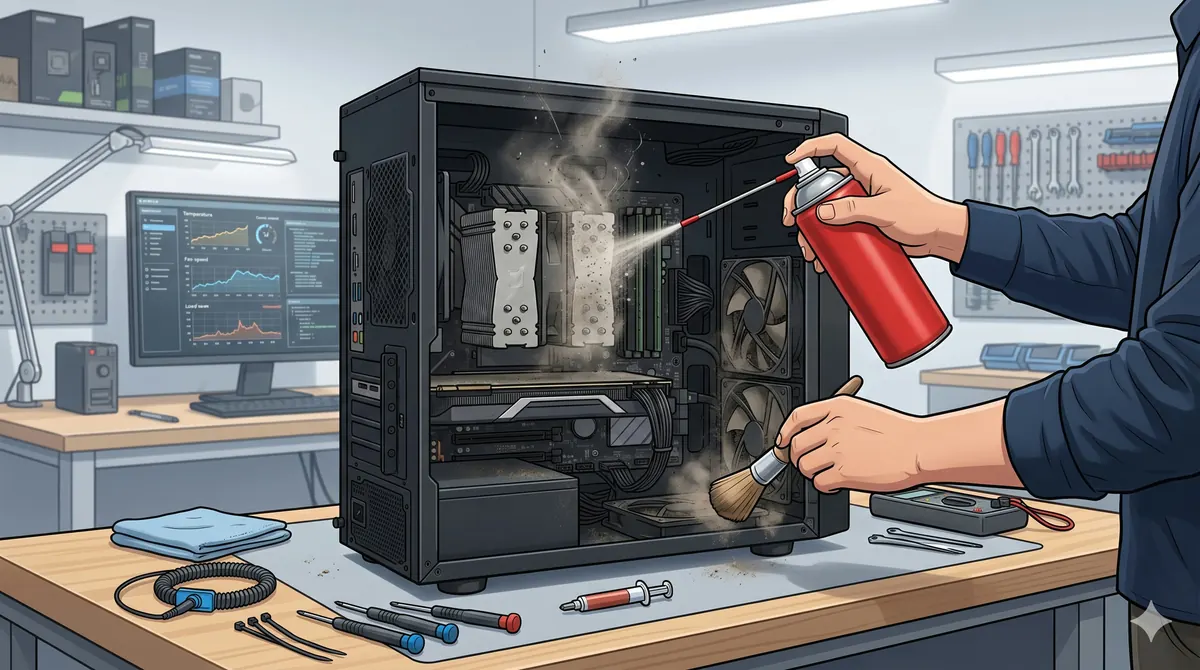
Dust accumulation is the number one cause of PC overheating and component failure in Dubai. The fine desert dust clogs fans, coats heat sinks, and insulates components that need to stay cool. Open your case every 3–4 months and use compressed air to blow out dust from fans, GPU heat sinks, the CPU cooler, and the PSU vents. If you have never cleaned your PC and it is over a year old, consider bringing it to P Z M Computers & Mobile Phones - Sell New Used PC Build for a professional deep clean — we see machines running 15–20°C cooler after a thorough cleaning.
2. Monitor your temperatures
Install HWiNFO64 (free) and check your CPU and GPU temperatures under load. For most modern processors, anything below 85°C under sustained load is acceptable. GPUs should stay below 90°C. If you are hitting higher numbers, it is time to clean, replace thermal paste, or upgrade your cooling solution. If heat stays high after a basic clean, ask about cooling and airflow upgrades before a minor thermal issue turns into board damage. Thermal paste should be replaced every 2–3 years for best results.
3. Keep your SSD healthy
Modern NVMe SSDs are reliable but not immortal. Check your drive health using CrystalDiskInfo — look for the "Health Status" indicator and the "Total Host Writes" number. Keep at least 15–20% of your SSD capacity free for optimal performance and longevity. If your drive shows warnings, back up immediately and replace it before data loss occurs.
4. Windows and driver updates — do them, but carefully
Keep Windows 11 updated for security patches and performance improvements. For GPU drivers, update when you get a new game but avoid day-one driver releases — wait a week for hotfixes. Create a restore point before major updates. If your PC becomes unstable after an update, use System Restore to roll back quickly.
5. Power protection matters
Dubai's power grid is generally stable, but micro-surges and brownouts happen — especially during summer peak loads. Use a quality surge protector at minimum, or better yet, a UPS (uninterruptible power supply). A sudden power loss during a Windows update or BIOS flash can brick your system. A basic 650VA UPS costs less than a single component replacement.
When to call in the professionals
If your PC is shutting down randomly, making unusual noises, or showing artifacts on screen, stop using it and get it assessed before the problem cascades. P Z M Computers & Mobile Phones - Sell New Used PC Build offers PC diagnostics and technical care for desktops and laptops. We also provide performance upgrades, including RAM, SSD, cooling, and GPU options. If you want a quick pre-check before the drive, WhatsApp us your symptoms.